Here are the five key steps to implementing your competency management system. Our support team will guide you every step of the way.
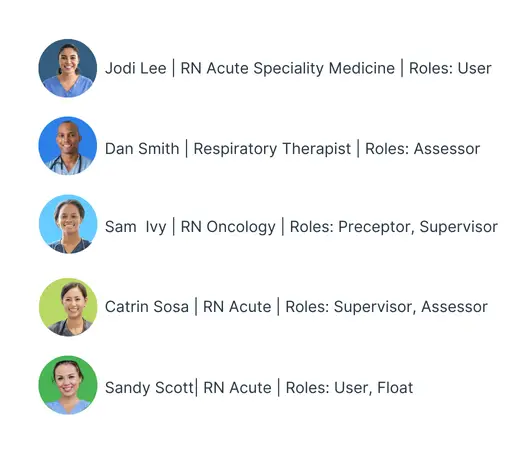
Add your people
Users are automatically added to Xapify via an integration with your HR system or LMS.
Assigned job roles determine which competencies each nurse needs.
And yes, there is secure single sign-on, so no new passwords to remember.
Create your skills framework
Start with our customizable templates, import your competencies, or create your own. Link competencies to job roles and set expiry.
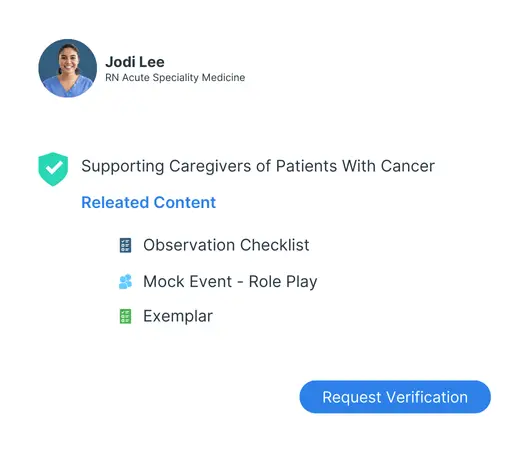
Choose your skills verification methods
Choose verification methods for each competency. Each competency can have multiple verification methods, including observation checklists, attestation, verbal response, and exemplars. You can also connect to skill checklists licensed from publishers.
Build workflows & dashboards
Use the flexible workflow builder to automate manual processes like creating tasks and sending notifications and reminders.
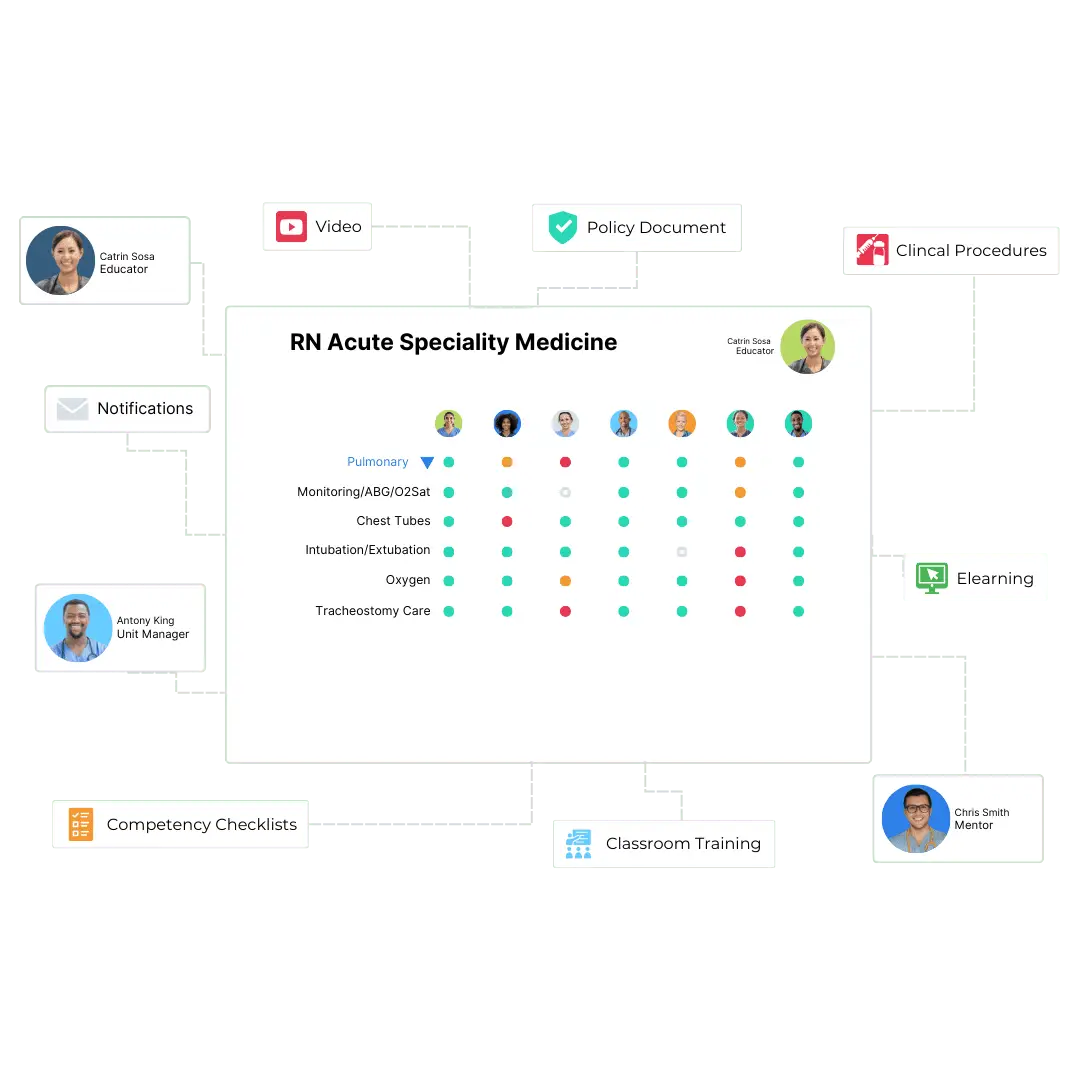
Create dashboards for your educators, preceptors, leaders, and HR teams.
Go live with digital skills verification
Always know who needs to be assessed, re-assessed, or assisted.
Monitor competency compliance levels at the ward, location, and organization level.
Expert advice and support, every step of the way
Xapify’s support team is ready to assist with every aspect of implementing and managing your digital competency system.